

AI-901 Speech Recognition and Synthesis: Convert Between Audio and Text
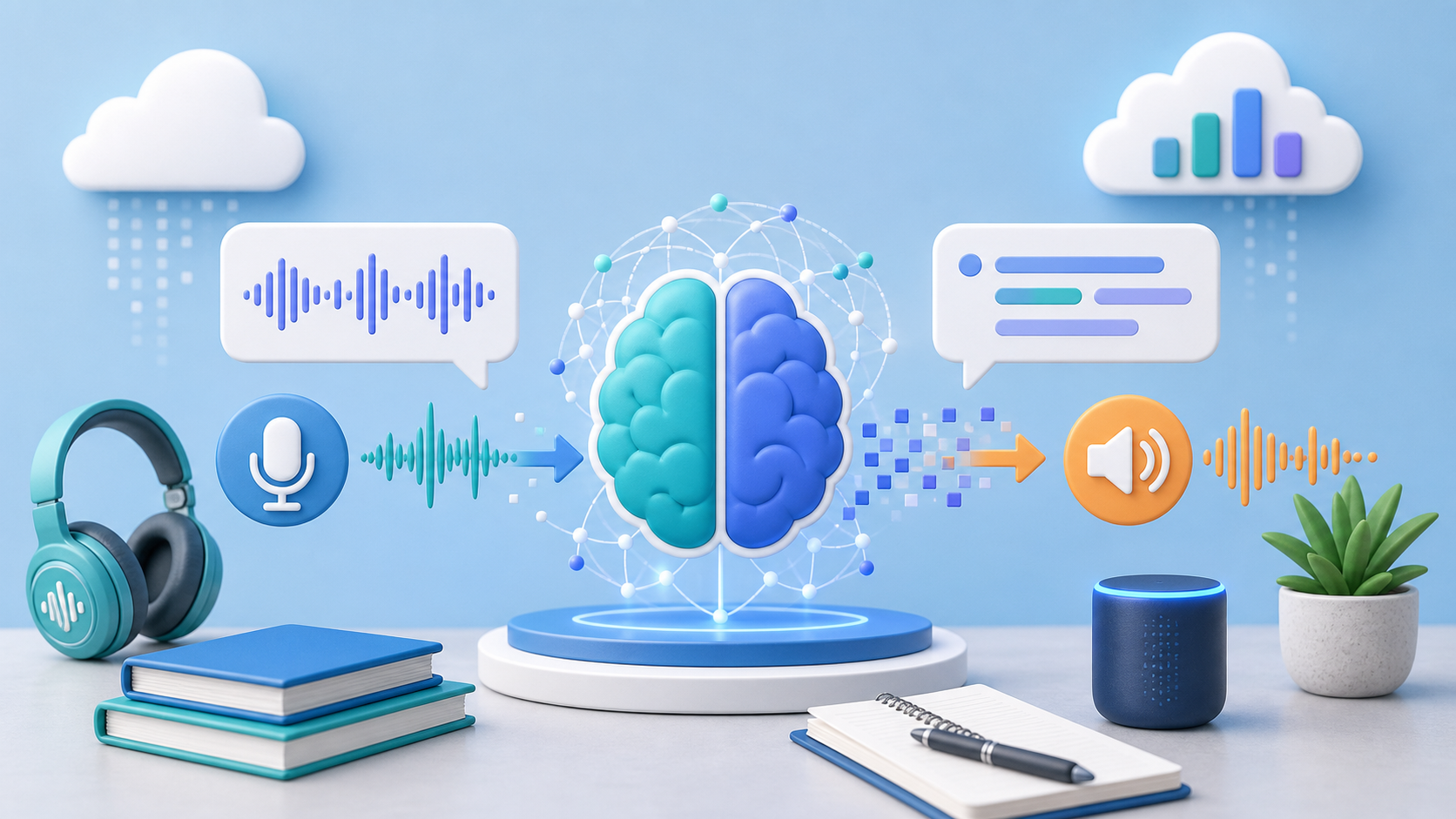
Speech services connect spoken audio and written text in two directions. The AI-901 exam expects you to keep the direction straight: speech recognition turns audio into text, and speech synthesis turns text into audio. Get this single distinction right, and most questions in this domain will fall into place.
The technical shortcut:
Audio in, text out = Recognition.
Text in, audio out = Synthesis.
These capabilities are powered by Azure Speech, available within Microsoft Foundry Tools.
What the Exam Expects You to Know
This article covers the Microsoft AI-901 objective: Identify features and capabilities of speech recognition and speech synthesis.
You should be able to:
Recognize speech-to-text and text-to-speech business scenarios.
Know the architectural difference between real-time and batch processing.
Understand that synthesis can utilize different, customizable voices.
Connect these capabilities to Azure Speech in Foundry Tools.
Note: The exam often uses business requirements rather than strict product terms, such as "transcribe customer calls" or "read system alerts aloud."
Speech Recognition Turns Audio Into Text
Speech recognition takes spoken audio and returns text. You will frequently see this referred to as Speech-to-Text or transcription.
Common uses:
Transcribe customer service calls.
Create captions for recorded videos.
Allow users to dictate notes into an application.
Turn voice commands into text that a backend system can process.
Make meeting recordings searchable via transcript.
Exam Scenario: A training platform records lectures and wants to generate searchable captions. That is speech recognition, because the system must convert spoken audio into written text.
Speech Synthesis Turns Text Into Audio
Speech synthesis takes written text and produces spoken audio. You will frequently see this referred to as Text-to-Speech.
Common uses:
Read an article, email, or alert aloud.
Provide spoken instructions in a mobile or navigation app.
Create voice responses for a virtual AI assistant.
Support accessibility for users who prefer or require audio output.
Exam Scenario: A navigation app reads turn-by-turn directions out loud. That is speech synthesis, because the system converts text into spoken audio.
Note: Synthesis can use different voices, including a range of natural-sounding neural voices across many languages and styles. For the AI-901, just remember the core functionality: synthesis produces the speech, and you can customize the voice.
Real-Time vs. Batch Processing
Speech recognition can run in two processing modes, and the exam may test which one fits a given scenario.
| Mode | What it Does | Ideal Use Case |
|---|---|---|
| Real-time | Transcribes audio as it is spoken, with minimal latency. | Live captions, voice assistants, live call handling. |
| Batch | Transcribes large sets of recorded audio files asynchronously after the fact. | Processing archives of historical call recordings or media files. |
The clue is the timing requirement. Keywords like live, as the person speaks, or during the call point to real-time. Keywords like backlog of recordings, archives, or thousands of stored files point to batch.
Speech Often Pairs with Other Workloads
Speech is frequently just one step in a larger pipeline.
Example: A customer calls support. The system transcribes the audio (Speech Recognition), analyzes the request or drafts an answer (Text Analysis or Generative AI), and then speaks the response back to the user (Speech Synthesis).
A related but distinct capability is Speech Translation, which converts spoken audio in one language into translated text or speech in another. If the language changes, that is translation, not standard recognition.
For the AI-901, answer for the specific step the question asks about.
Where Speech Runs
These capabilities come from Azure Speech, available in Microsoft Foundry Tools. When a scenario starts with spoken audio or requires spoken output, Azure Speech is the service to remember. (Note: This is the same speech service previously known as Azure AI Speech, now integrated into Foundry Tools).
Exam Tip: Use the audio boundary.
Starts with audio? Speech recognition.
Ends with audio? Speech synthesis.
Language changes? Speech translation.
Timing is live? Real-time.
Processing a backlog? Batch.
Common Trap: Do not confuse speech recognition with speaker recognition. Speech recognition dictates what was said. Speaker recognition identifies who said it. The AI-901 usually focuses on converting between audio and text (what was said).
Also, do not jump straight to sentiment analysis when the input is a phone call. The audio must first become text via speech recognition; only then can text analysis run on the resulting transcript.
Quick Knowledge Check
A company wants transcripts created from thousands of recorded historical support calls. Which speech capability and processing mode fits best?
A mobile app reads safety instructions aloud to field workers. Which speech capability fits best?
A live event needs captions generated as a speaker talks. Real-time or batch?
A conference tool turns a French speaker's words into English captions. Which related capability is this?
Answers
Speech recognition (Speech-to-Text) using Batch processing.
Speech synthesis (Text-to-Speech).
Real-time, because the captions are generated live as the person speaks.
Speech translation, because the language changes.
Microsoft References For Further Study
Cross-reference this guide with the official Microsoft Learn documentation to familiarize yourself with their exact terminology:
